We live in a digital world, which means that more and more of our lives are stored in bits and bytes instead of in physical form. This has its advantages, of course. We can easily share photos and memories with friends and family members who live far away, for example. But it also means that we have to be more intentional about managing our digital media. Here are three tips to help you do just that.
1. Create a system for storing and organizing your digital media.

This may seem like a no-brainer, but it’s important to have a plan for where you’re going to store all of your digital files. Otherwise, they’ll end up scattered across your various devices (laptop, desktop, tablet, smartphone) and in different formats (photos, videos, music, documents). That can make them difficult to find and use when you need them.
One way to create a system is to use a cloud-based storage service like Google Drive, Dropbox, or iCloud. That way, you can access your files from any device with an Internet connection. You can also create folders on your computer to store your files in a more traditional way. Just make sure that you back up your files regularly so that you don’t lose them if your computer crashes.
2. Be thoughtful about what you share online.
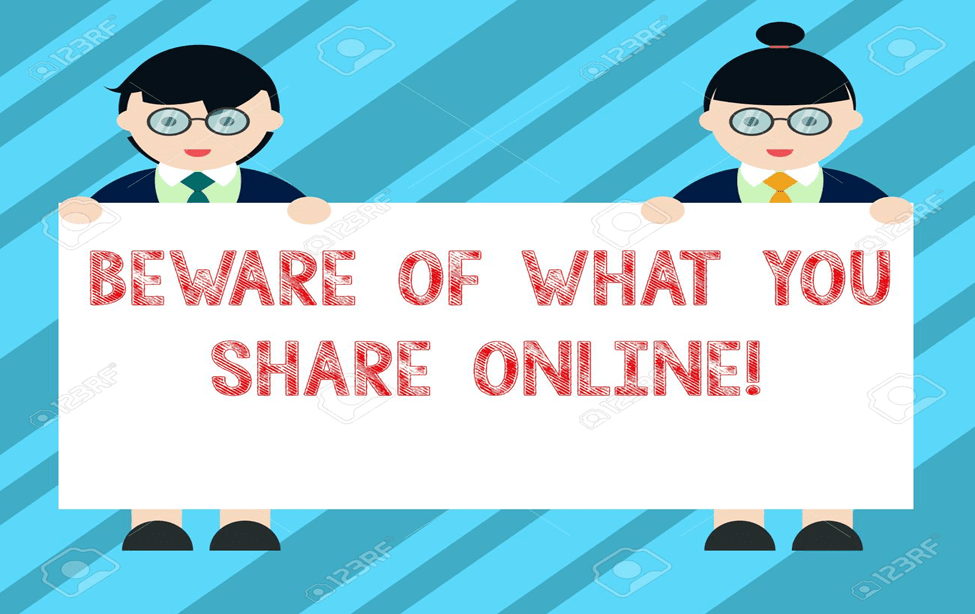
It’s easy to get caught up in the moment and share something online that you later regret. That’s why it’s important to be thoughtful about what you post to social media, write in emails, or even just text to friends. Once something is out there, it’s very difficult to take it back. Before you hit the “send” or “post” button, ask yourself if what you’re sharing is something that you’re comfortable with the whole world seeing. If not, it’s probably best to keep it to yourself.
3. Take steps to protect your privacy.

There’s a lot of information about you online, and it can be used in ways that you might not be comfortable with. That’s why it’s important to take steps to protect your privacy. One way to do this is to be careful about the information you share on social media. For example, you might want to avoid sharing your home address, phone number, or birth date. You can also adjust the privacy settings on your social media accounts so that only people who you’ve approved can see your posts.
4. Be aware of the impact of media on your relationships, thoughts, behavior, and emotions.
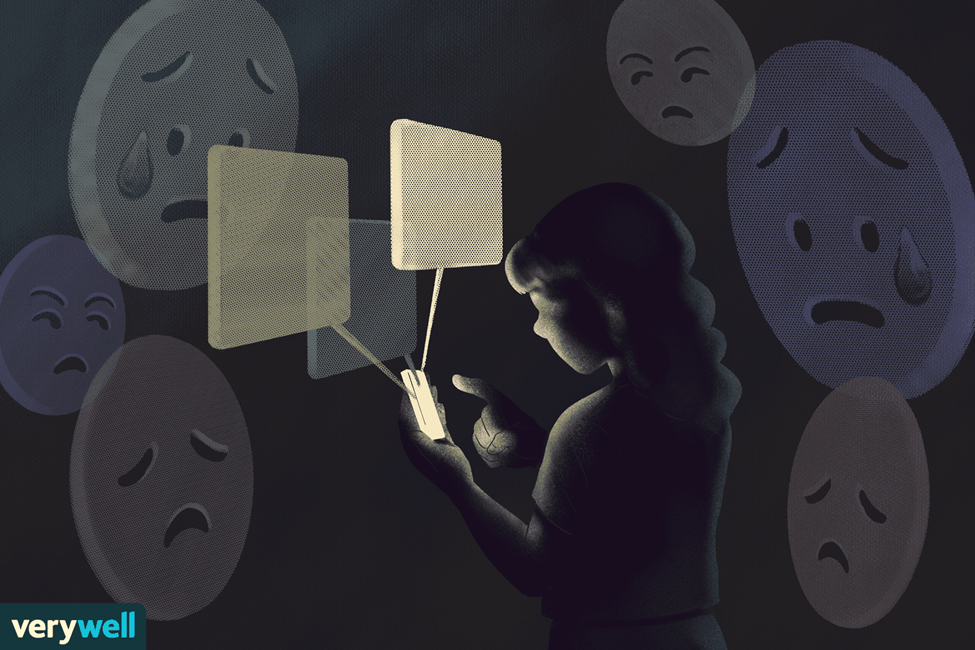
Be aware of how media consumption affects your relationships, and make sure you’re not spending more time with your screens than with the people you care about. If you find yourself constantly thinking about certain topics, it may be time to limit your media consumption. limit your consumption of media that makes you feel negative emotions.
5. Back it up
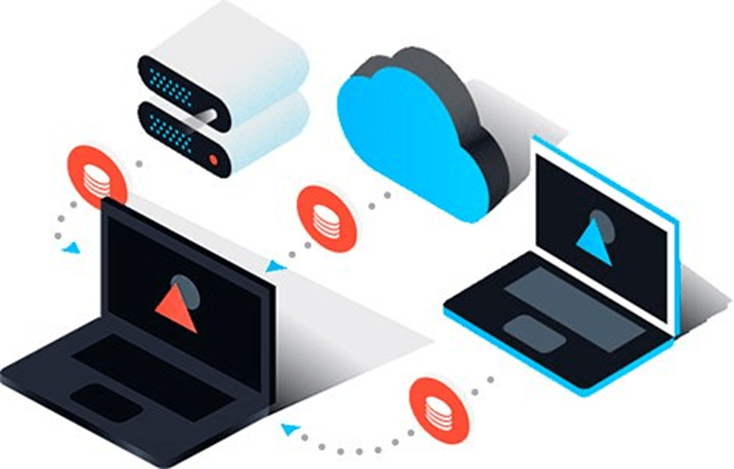
In the event that something happens to your computer or your phone, it’s important to have a backup of all of your digital media. This can be done by backing up to an external hard drive or using a cloud-based storage system. Either way, you’ll be glad you did it if you ever need to access your files again. In addition to backing up your files, you can also use metadata to keep track of them. Metadata is information that is embedded in a file, and it can include things like the date the file was created, the file size, and the file type. By using metadata, you can easily find and organize your files.
These are just a few ways to manage your digital media. By being intentional about the way you use and store your digital files, you can make your life simpler and your information more secure.

 Jaspreet